Setup Client
After installing the client, you need to configure it to connect to the iRODS server.
Environment Configuration File
Most clients use a configuration json file.
For each environment it will be slightly different:
Configuration File
irods_user_name and irods_home.
irods_user_name
irods_user_name
Configure Client Environment
Configure Environment
Create/Edit your iRODS environment file based on the example above and save it in ~/.irods/irods_environment.json.
You might need to create the .irods folder.
Click on the 'Configure' and select 'Add Configuration'
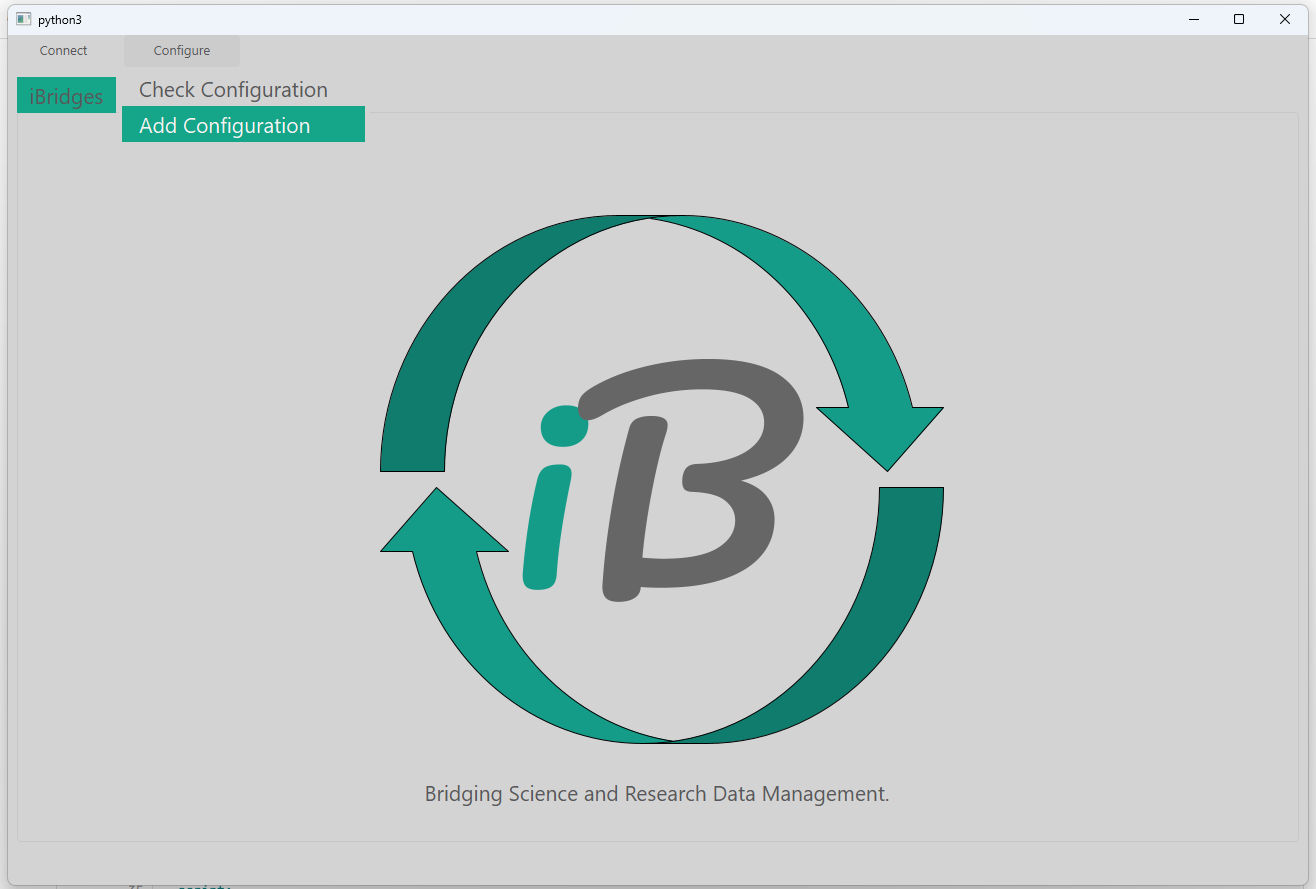
Paste the iRODS environment file based on the example above and save it in ~/.irods/irods_environment.json.
You might need to create the .irods folder.
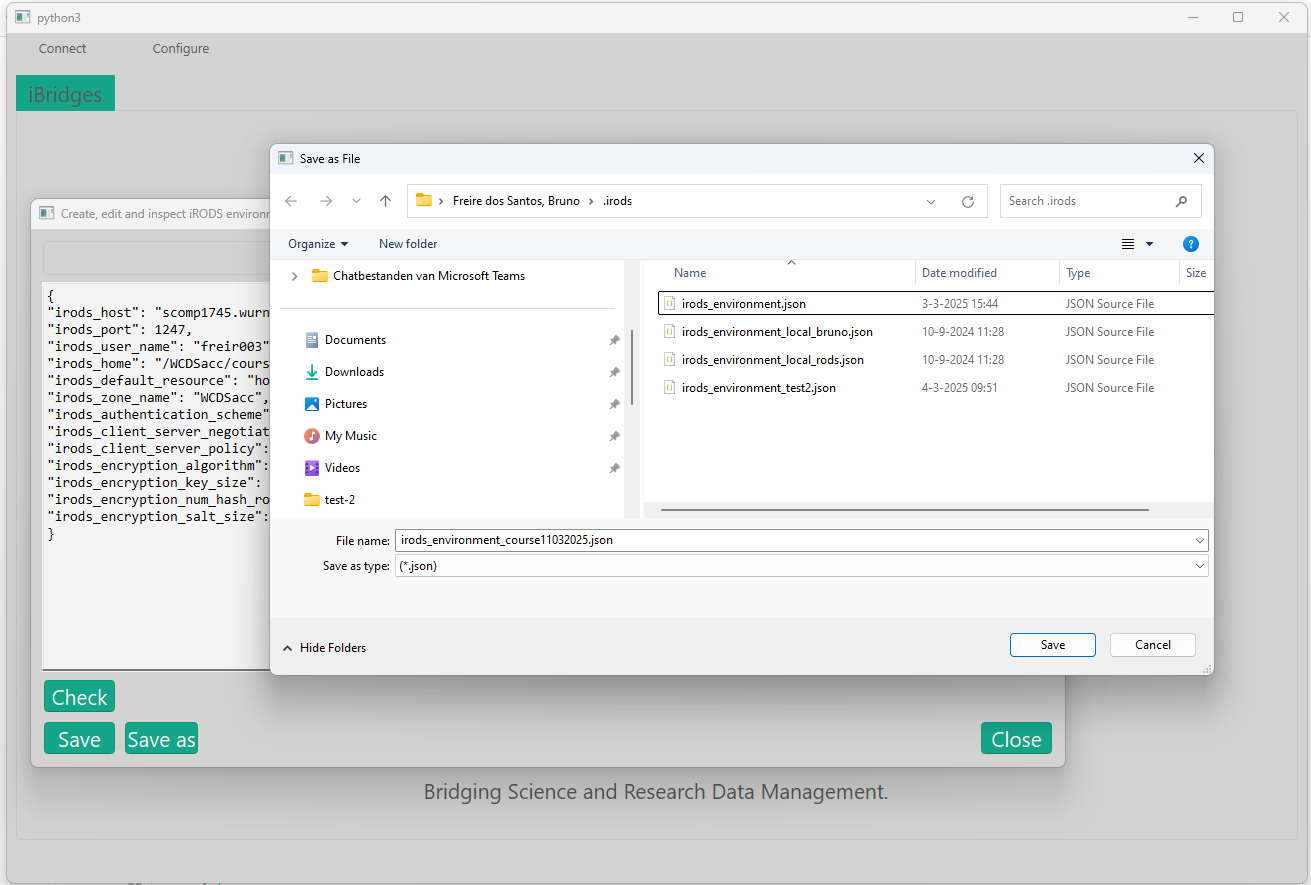
You can check the configuration by click the "Check" button.
The installion of WUR iBridges creates two configuration files, for WCDSacc and ArchvPROD. You can directly connect using these.
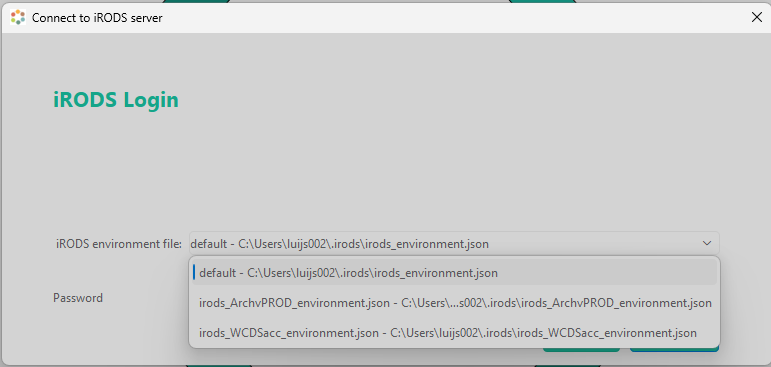
You can also edit or add files here for other environments, see the ibridges tab for this
In any text editor, paste the iRODS environment file based on the example above and save it in ~/.irods/irods_environment.json.
In any text editor, paste the iRODS environment file based on the example above and save it in ~/.irods/irods_environment.json.
Initialize your iRODS session
Initialize session
You will be prompted to enter your password. This command sets up your authentication for the session.
Click on the 'Connect' and select 'Connect to iRODS'
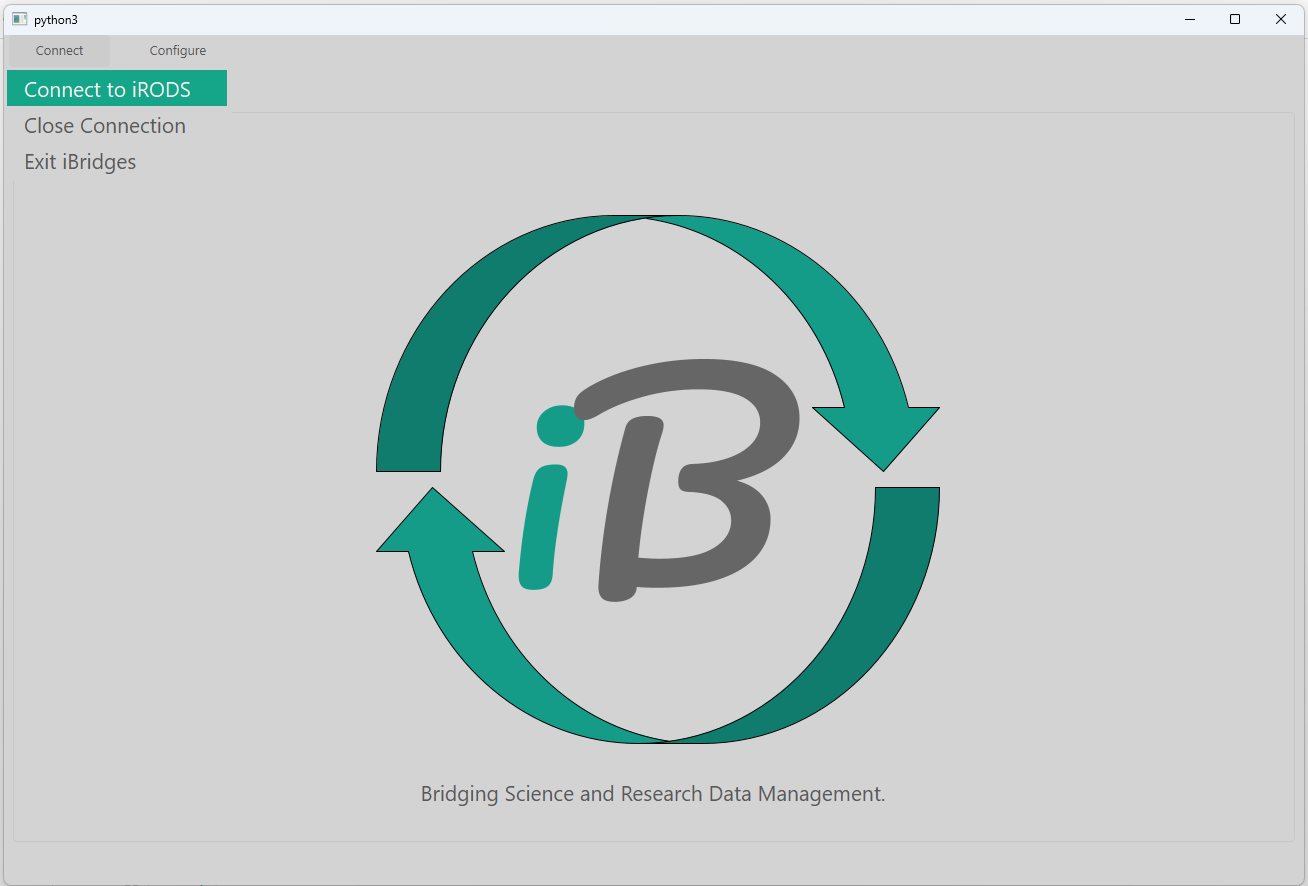
Select the env file you saved previously. Enter your WUR password.
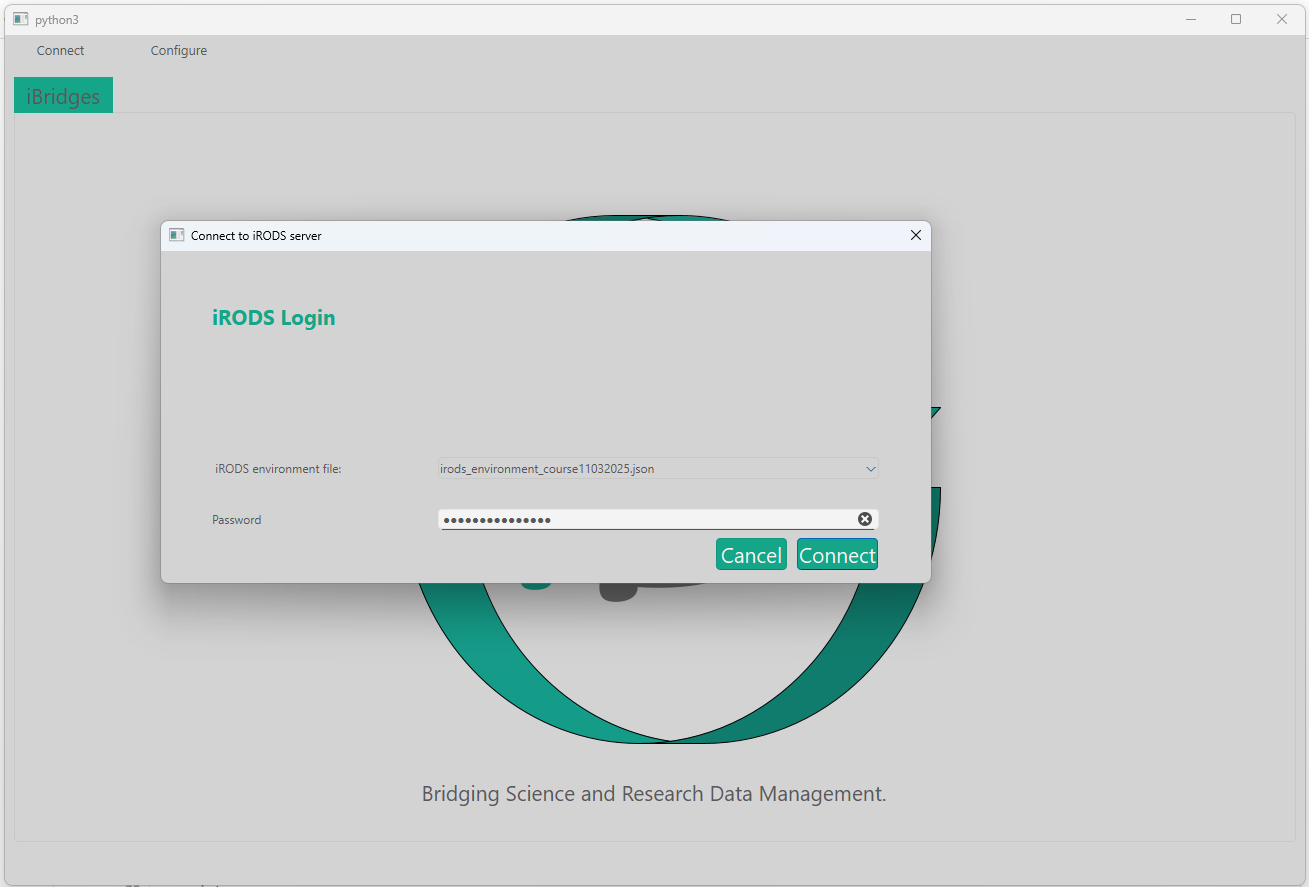
Now, you can start working with iRODS. Run:
This command will request a series of questions (Host, Port, Zone etc.), you can skip these by pressing enter up until the point where your iRODS password is requested. Enter your WUR password.
NOTE: If (due to inactivity) you receive the error message "Authentication failed (auth scheme: "pam_password", username: "abcde001", zone: "WCDSacc")!" Rerun gocmd init
The following script will be necessary for establishing a connection with the iRODS server. Note: This code needs to be executed in a (python3) terminal. It will not run in a interpreter environment due to the 'getpass' function. You can do so by running the following command: