Step 9: Archiving data in a WUR irods instance
Request archive
Inside WUR we have a tape archive that you can use to store data in a cheap manner. If you want to archive data you can do so by running an irods rule. Let's say you want to archive the /WCDSacc/courses/11032025/your_username/iris_data_copy/iris.names dataset. You can do so by executing this command. NB, this rule is only available in WUR irods instances that have tape archiving, not in yoda or irods instances from other institutions.
Request archive in WUR
You will now probably see an error that states:
This is because this rule will check if the file has a checksum. Our archiving system will use this checksum to see if the file that you uploaded to the irods system is also the same file that ends up on the physical tape. In order to have a file with checksum we will upload the file again with the -K flag. With this flag you will tell irods to calculate the checksum of the file on your machine, calculate it on irods side, and verify if the checksum on both sides is the same. This ensures data integrity on the frist part of your upload process.
N.B. You can do the same command with smallcase -k, but in that case the checksum will ONLY be calculated on irods side, and not verified against your local file!
After uploading you can verifiy if the checksum is indeed present with a different flag on ils:
Now redo the rule execution. Note that you can also do this on a folder level(/WCDSacc/courses/11032025/your_username/iris_data_checksum). In that case every file which resides in this folder or subfolders will be archived.
First, you need to re-create the deleted collection and re-upload the files. And now, you know how to do it!
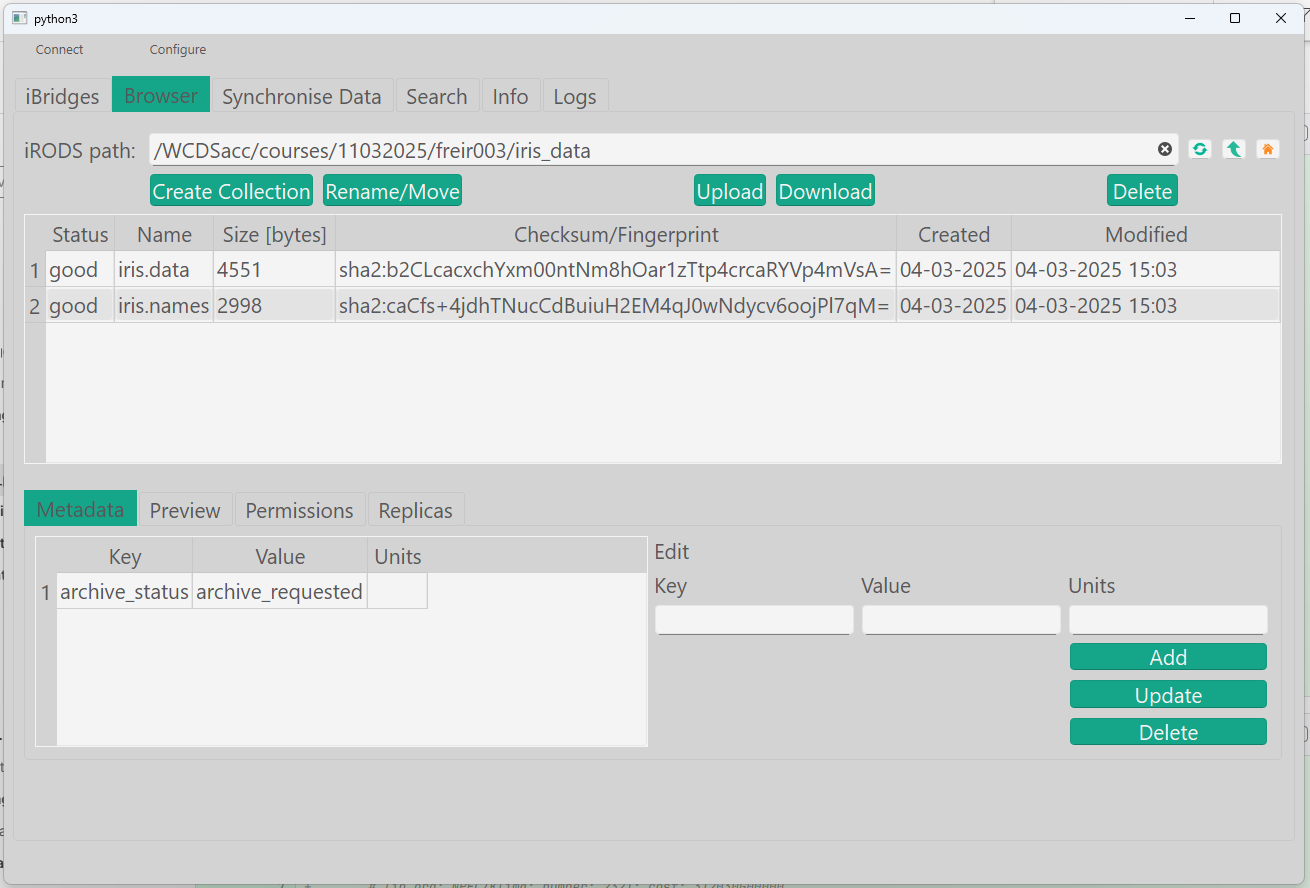
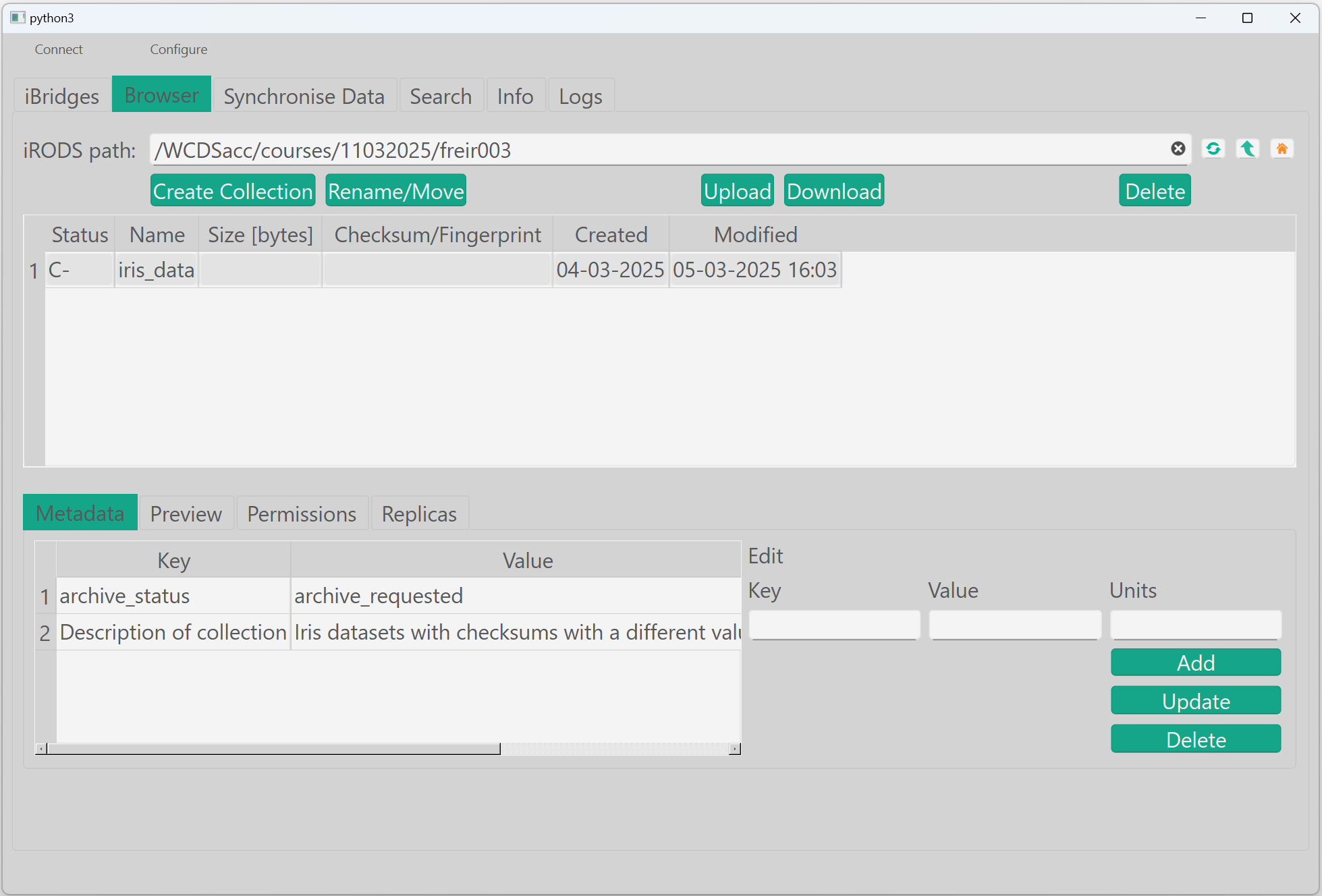
The archiving functionality is triggered by the execution of a rule. In iBridges (at this moment), it is not possible to trigger a rule, but it is possible to 'request' the file archive by adding metadata.
Note: This workaround of adding metadata only works for files and not for collections.
Go to the file 'iris.names' add the metadata: archive_status = archive_requested
Before we archive a data object or collection, you need to make sure that a checksum has been calculated. This is because our archiving system will use this checksum to see if the file that you uploaded to the irods system is also the same file that ends up on the physical tape. In order to have a file with checksum we will reupload the file with the -K (capital K!!!) flag. With this flag you will tell irods to calculate the checksum of the file on your machine, calculate it on irods side, and verify if the checksum on both sides is the same. This ensures data integrity on the frist part of your upload process.
In your command line, run:
Verify that the checksum has been calculated:
Now, the files have been uploaded with a checksum and are ready to be archived.
The archiving functionality is triggered by the execution of a rule. In GoCMD (at this moment), it is not possible to trigger a rule, but it is possible to 'request' the file archive by adding metadata.
Note: This workaround of adding metadata only works for files and not for collections.
To the files that you want to archive, add the metadata: archive_status = archive_requested by running:
Before we archive a data object or collection, you need to make sure that a checksum has been calculated. This is because our archiving system will use this checksum to see if the file that you uploaded to the irods system is also the same file that ends up on the physical tape.
To begin, we will need to import some functions and define these 2 new functions:
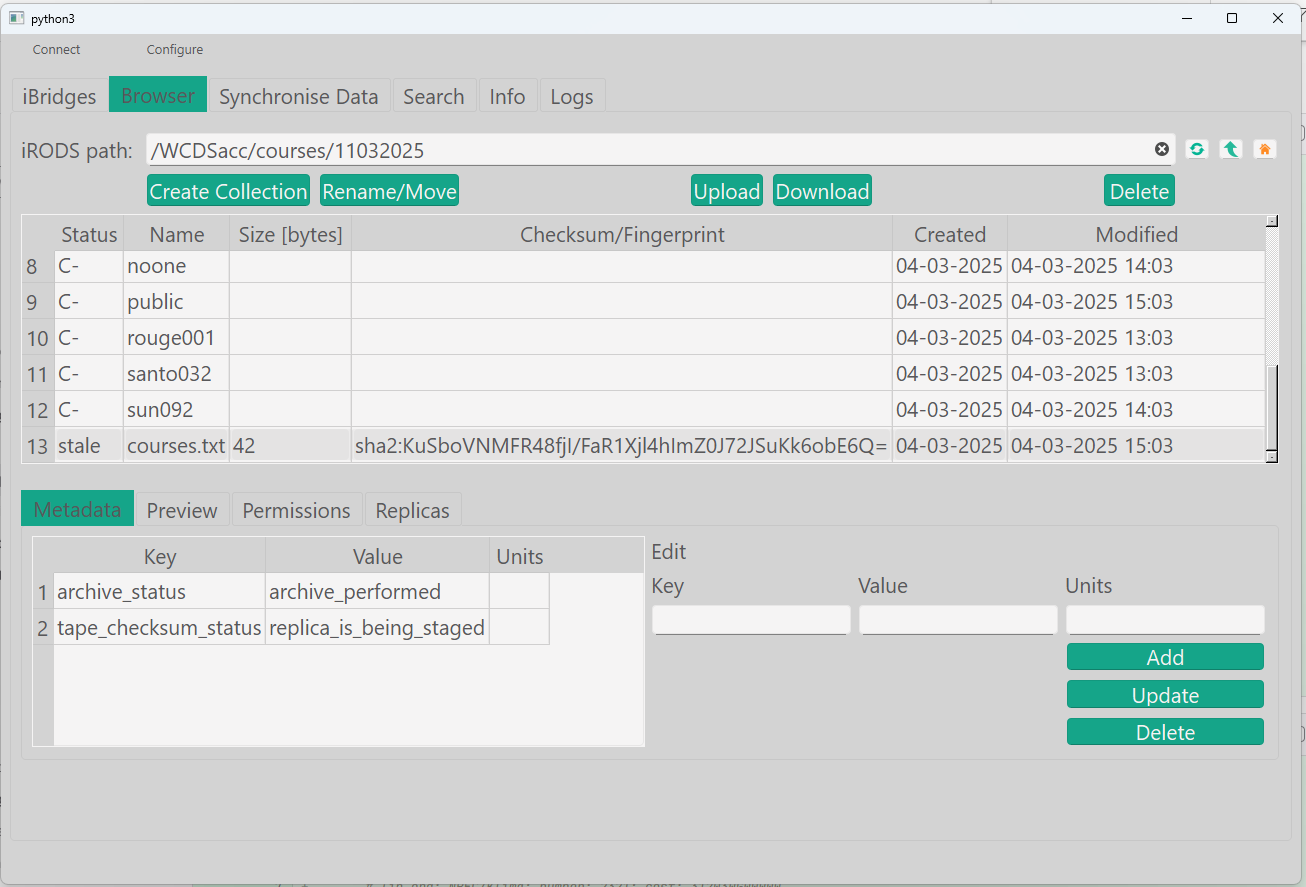
After rule execution you will see that some new metadata has been added by the system:
WUR archive metadata
Archive status
The tag archive_status is a protected tag used by our automation in irods. The system will update the status while doing archiving. We consider archiving done when the latest state is reached. In intermediate states we cannot be 100% sure yet that the data integrity is kept. If you intend to delete the data on your local machine, wait for the latest state in the diagram:
%%---
%%title: archive_status state diagram
%%---
stateDiagram-v2
    direction LR;
    [*] --> archive_requested
    archive_requested --> archive_performed
    archive_performed --> archive_completed
    archive_completed --> completed_and_hot_deleted
    completed_and_hot_deleted --> [*]
Pre-archived example
A file was pre-archived: /WCDSacc/courses/11032025/this_file_is_already_archived.txt
Note: Have a look at the replicas.
WUR archive file completed, metadata
Use imeta and ils commands to find out what characteristics this.
Navigate to the file and see the metadata and the replicas information.
Use gocmd lsmeta to check the status of the archive request.
Use the list_meta() function to check the status.