Skip to content

Step 8: Removing Data

Remove a Specific Data File

Remove a specific data file from the iRODS collection.

Remove file
irm /WCDSacc/courses/11032025/your_username/iris_data/iris.data
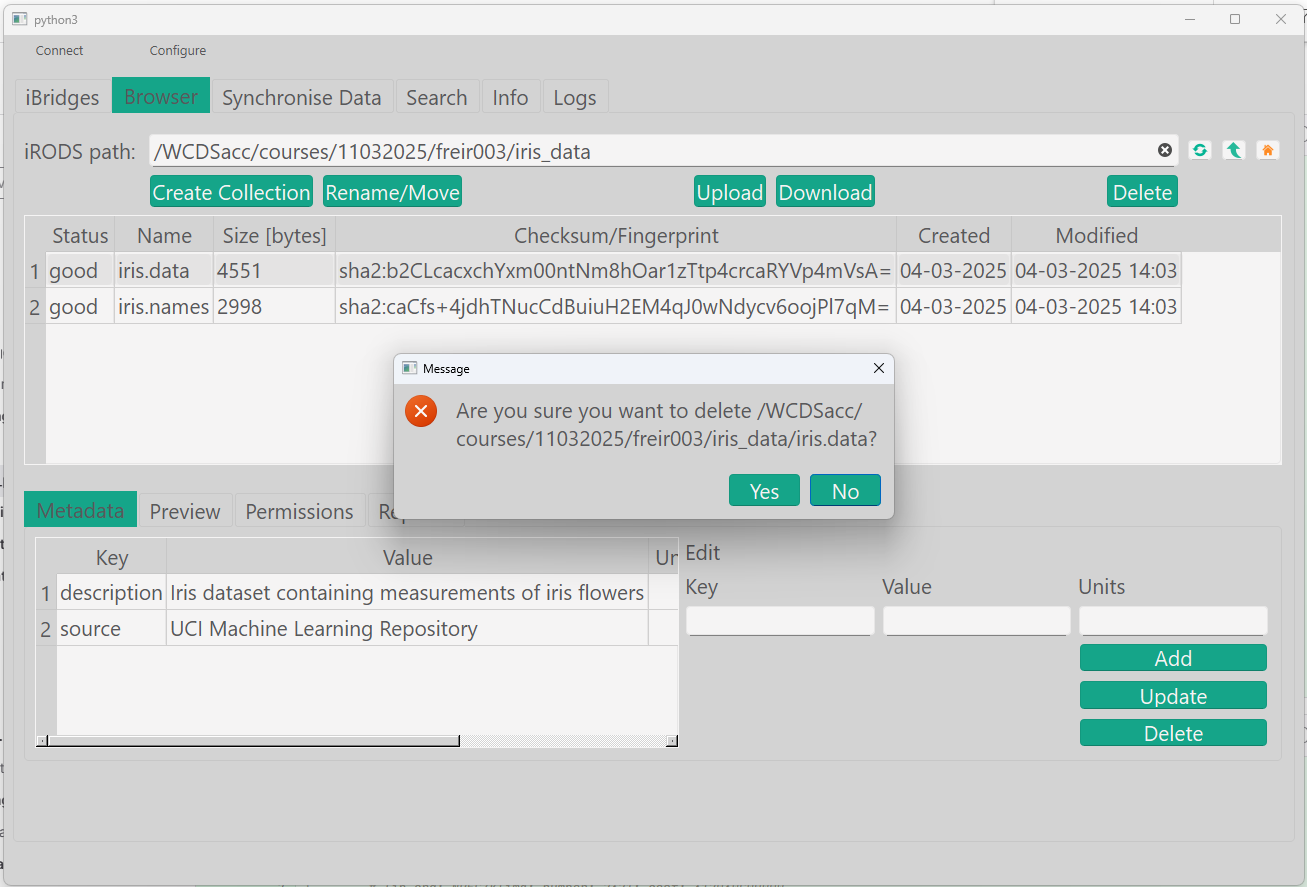
  1. By now, you should be able to navigate to the file iris.data.
  2. Delete the file.

Delete file

gocmd rm /WCDSacc/courses/11032025/your_username/iris_data/iris.data
from connect import connect_to_irods
from irods import exception
import irods

session = connect_to_irods()


# Remove data object
def remove_obj(data_object):
    try:
        session.data_objects.unlink(data_object)
        print('Removed successfully')
    except irods.exception.CAT_NO_ROWS_FOUND:
        print('Invalid path/data object does not exist')


# Example
obj = '/WCDSacc/courses/11032025/your_username/iris_data/iris.data'
remove_obj(obj)
...

Remove the Entire Collection

Remove the entire iris_data collection and its contents.

Remove collection
irm -r /WCDSacc/courses/11032025/your_username/iris_data

Select the collection 'iris_data' and delete it.
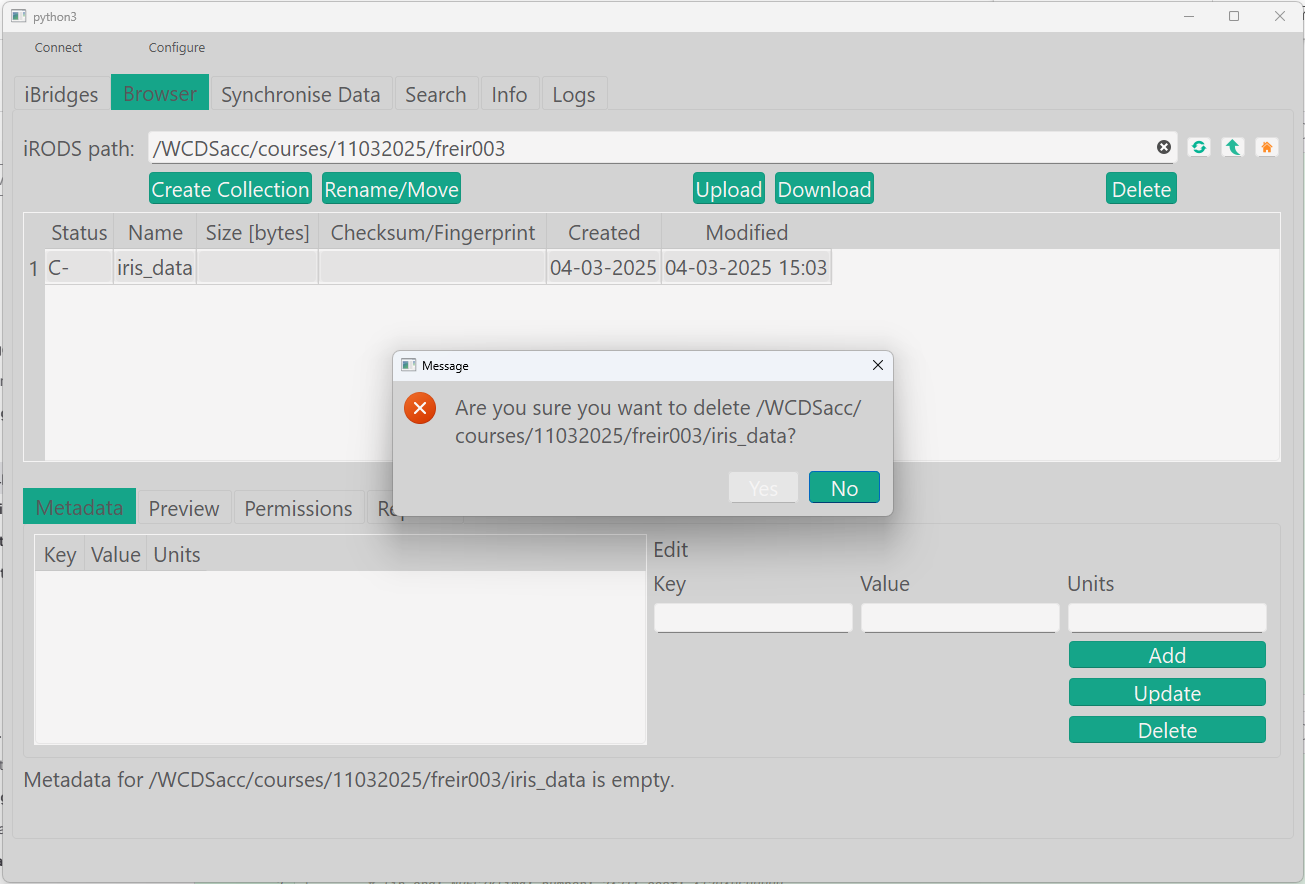
Delete collection

gocmd rmdir -r /WCDSacc/courses/11032025/your_username/iris_data
...
def remove_coll(collection):
    try:
        session.collections.remove(collection)
        print('Removed successfully')
    except irods.exception.CAT_NO_ROWS_FOUND:
        print('Invalid path/collection does not exist')


# Example
coll = '/WCDSacc/courses/11032025/abcde001/iris_data'
remove_coll(coll)
...

Remove the trash

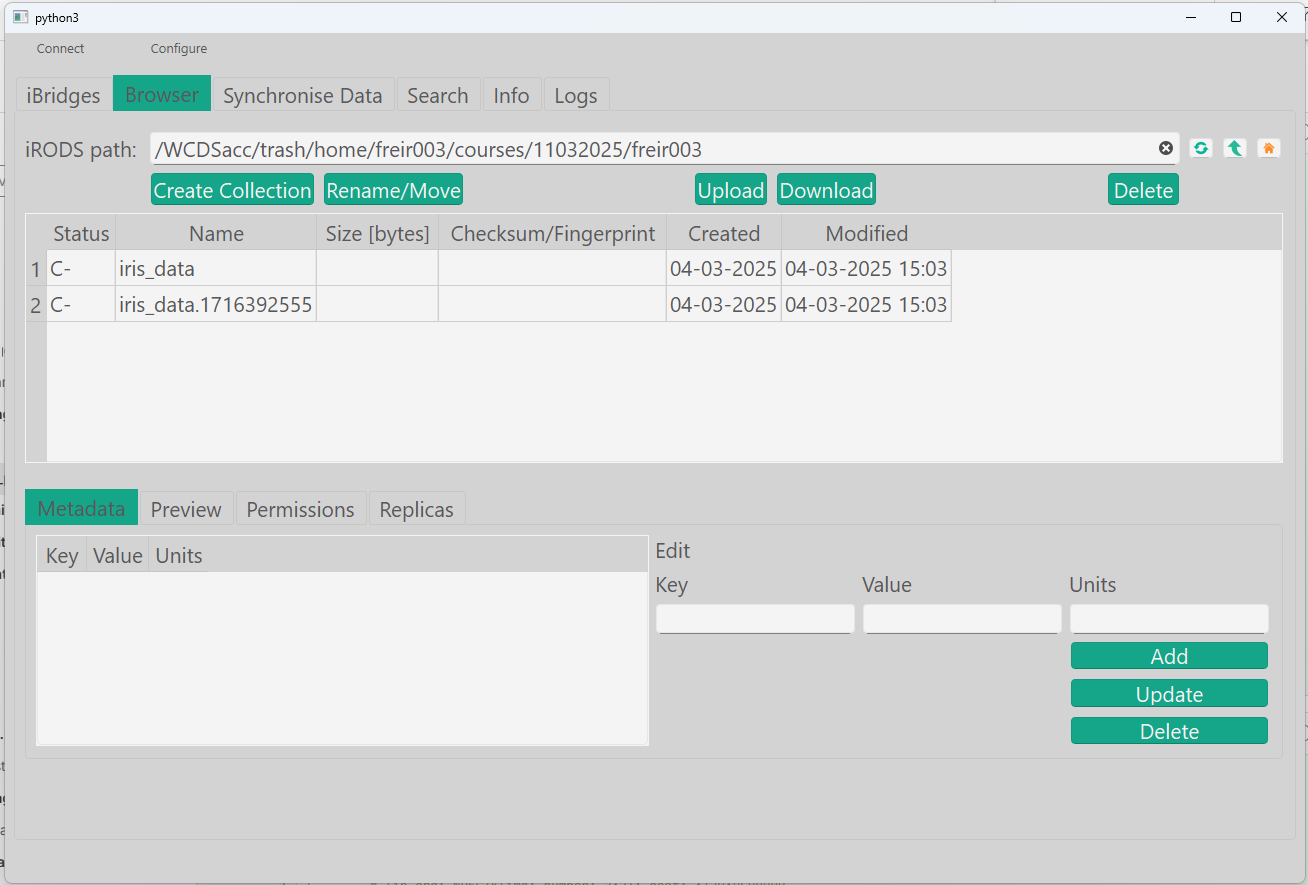
Now after removing the collection, see that your data is still in the trash folder:

List data trash
ils /WCDSacc/trash/home/abcde001

Can you find the trash folder? It is like: /WCDSacc/trash/home/abcde001

List trash contents

gocmd ls /WCDSacc/trash/home/abcde001
1
2
3
4
...
# Example
ls("/WCDSacc/trash/home/your_username")
...

You can empty your trash by doing:

Remove trash

irmtrash
Check this by using:
ils /WCDSacc/trash/home/abcde001

Navigate in trash folder and delete collections/folders.
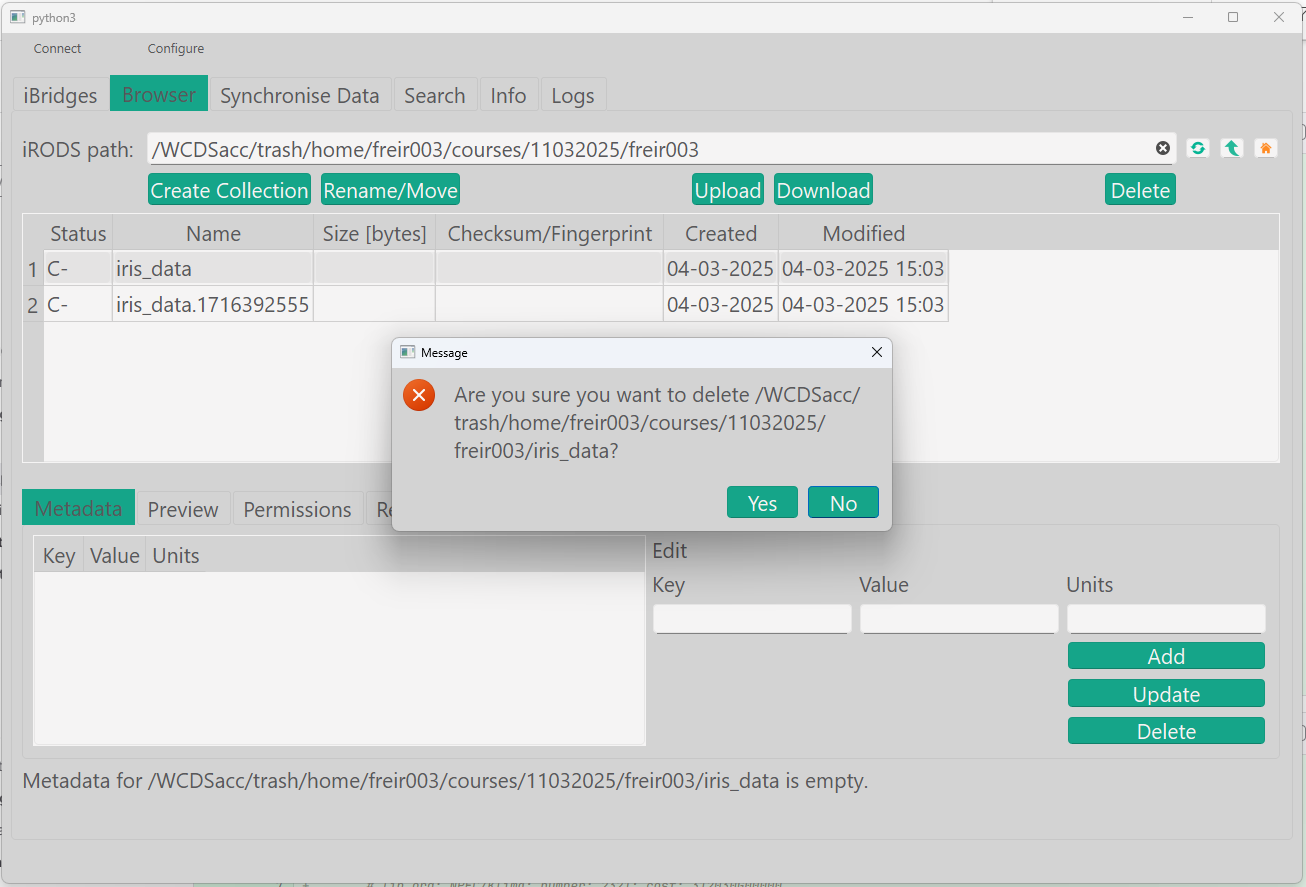
Delete trash contents

Delete the contents of the folder WCDSacc/trash/home/abcde001/

To confirm, run:

gocmd ls /WCDSacc/trash/home/abcde001

You can use the path to your trash as an argument in the functions remove_coll() or remove_obj()

If you do not empty your trash, the irods instance might have a policy that deletes the files after a set period of time, but this is not by default enabled in all instances.

Skip trash

If you do not want your files to go to the trash, but if you want to delete them completely you can also use:

Skip trash
irm -f /WCDSacc/courses/11032025/your_username/iris_data_copy/iris.data

This option is not possible in iBridges.

gocmd rm -f /WCDSacc/courses/11032025/your_username/iris_data_copy/iris.data

N/A