Step 4: Managing Metadata
Add Metadata to a Data Object
Add to file iris.data the following metadata elements:
| key | Value |
|---|---|
| description | Iris dataset containing measurements of iris flowers |
| source | UCI Machine Learning Repository |
Add metadata
- Select the file iris.data
- Add the metadata key: 'description' and value: "Iris dataset containing measurements of iris flowers" and click the button 'Add'
- Add the metadata key: 'source' and value: "UCI Machine Learning Repository" and click the button 'Add'
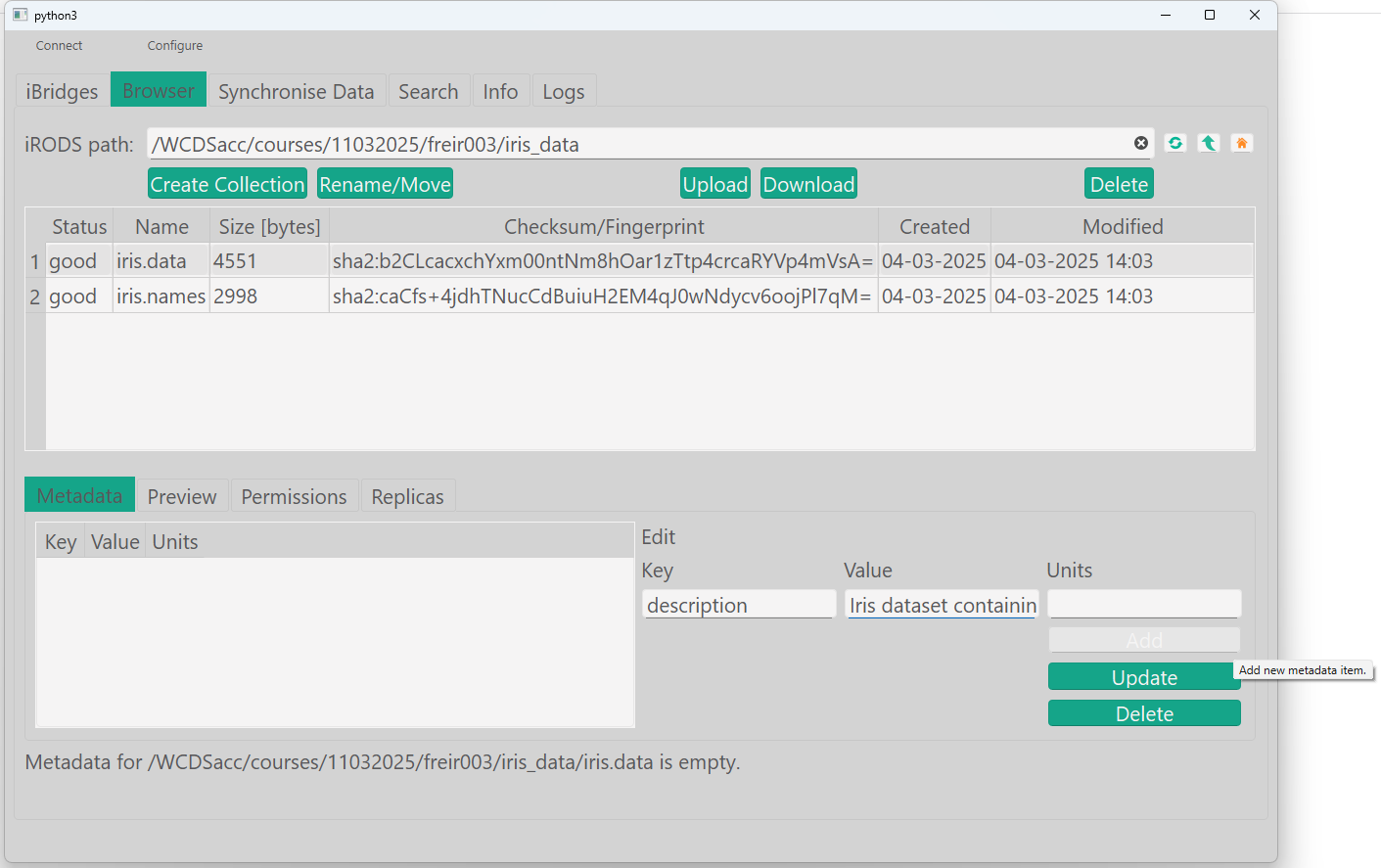
List Metadata of a Data Object
List the metadata of the data file to verify it has been added.
List metadata
You should see an output similar to:
It should look like this now:
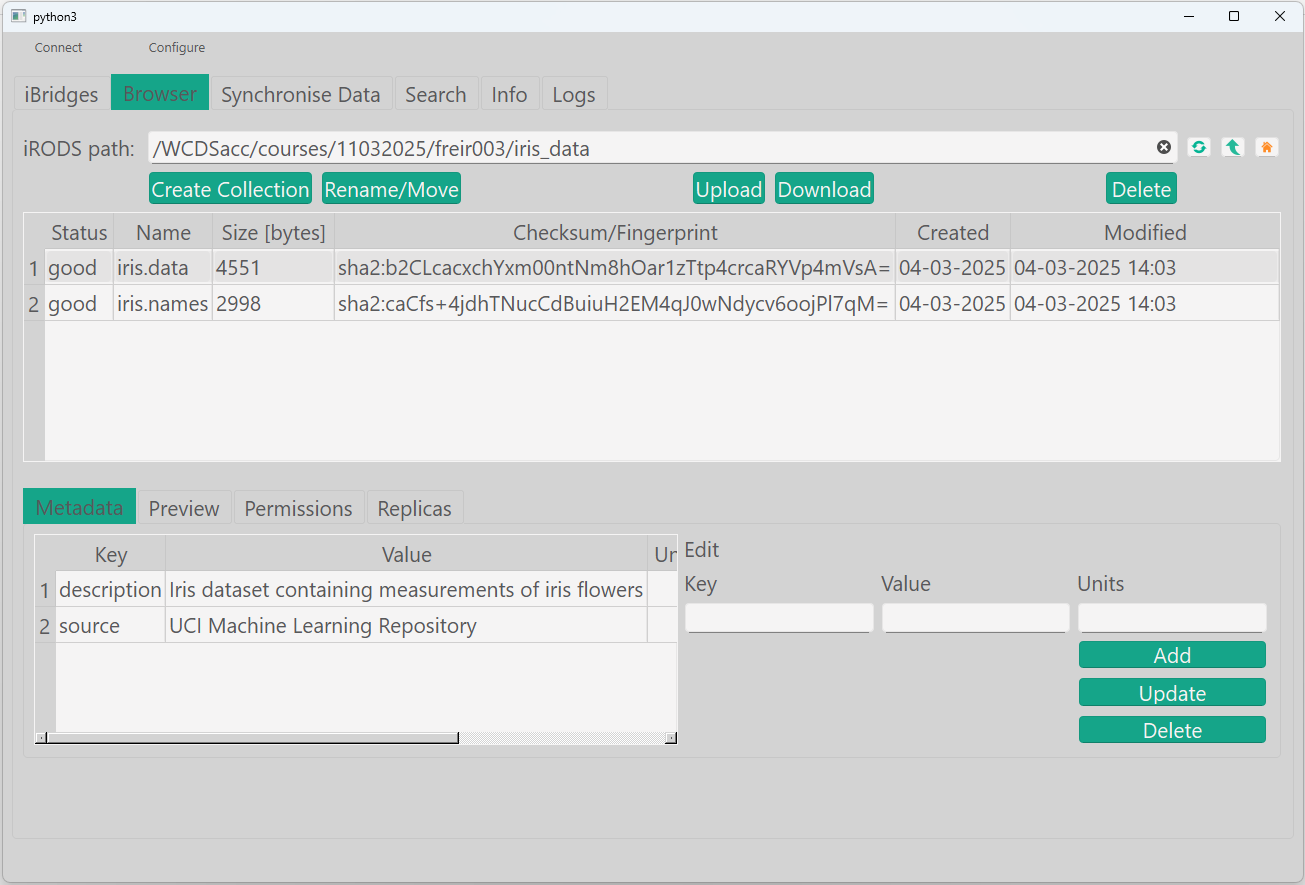
You should see an output similar to:
Metadata considerations
When using metadata, consider putting prefixes in your metadatanames.
Examples:
- WUR_RDM:dataset:archive_status
- or research_group_name:department:project_name:dataset:name
- etc.