Step 10: More metadata
Collections
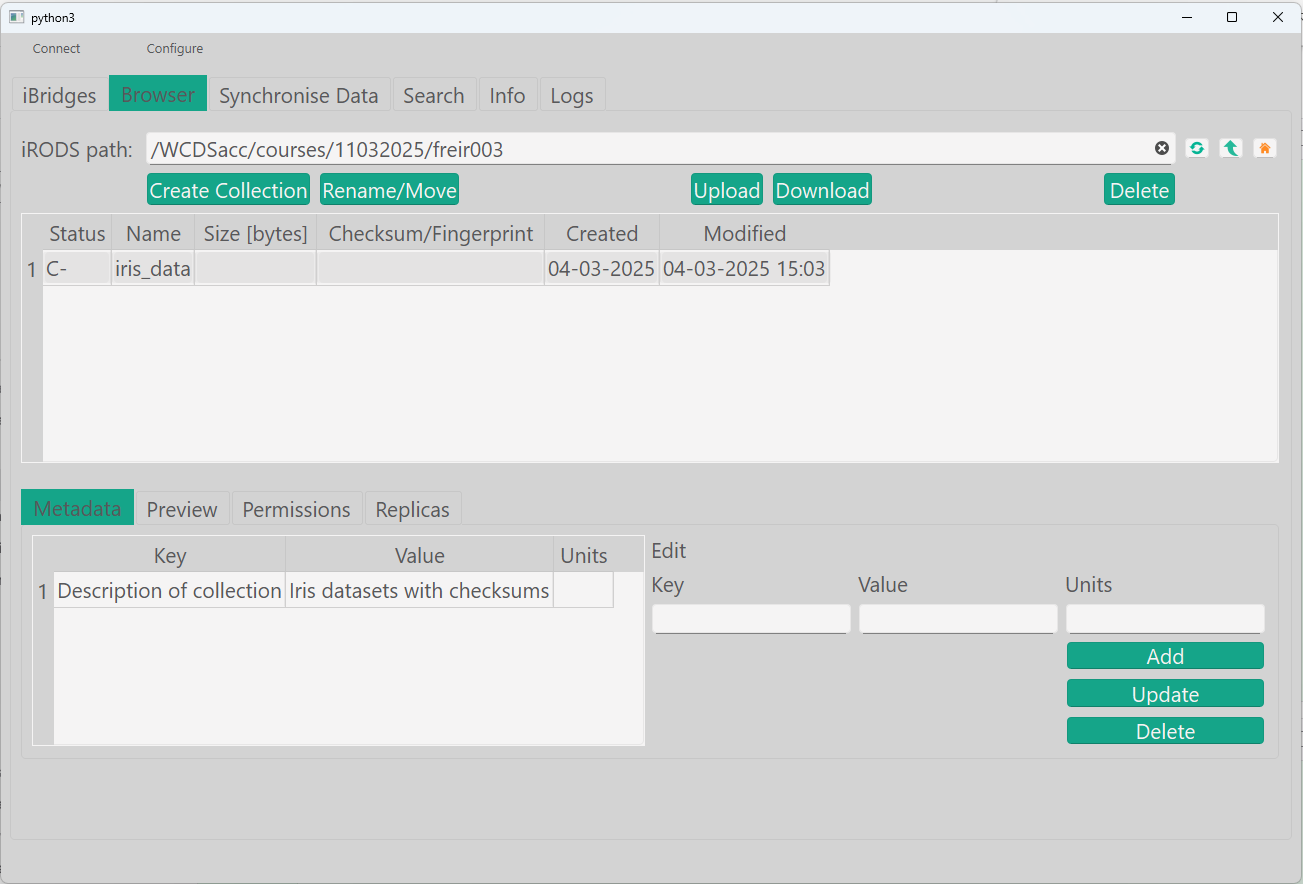
You can add metadata not only on files, but also on collections:
Metadata: add metadata to collections
- Navigate to the collection.
- Add the metadata: key: Description of collection. Value: Iris datasets with checksums
Duplicated keys
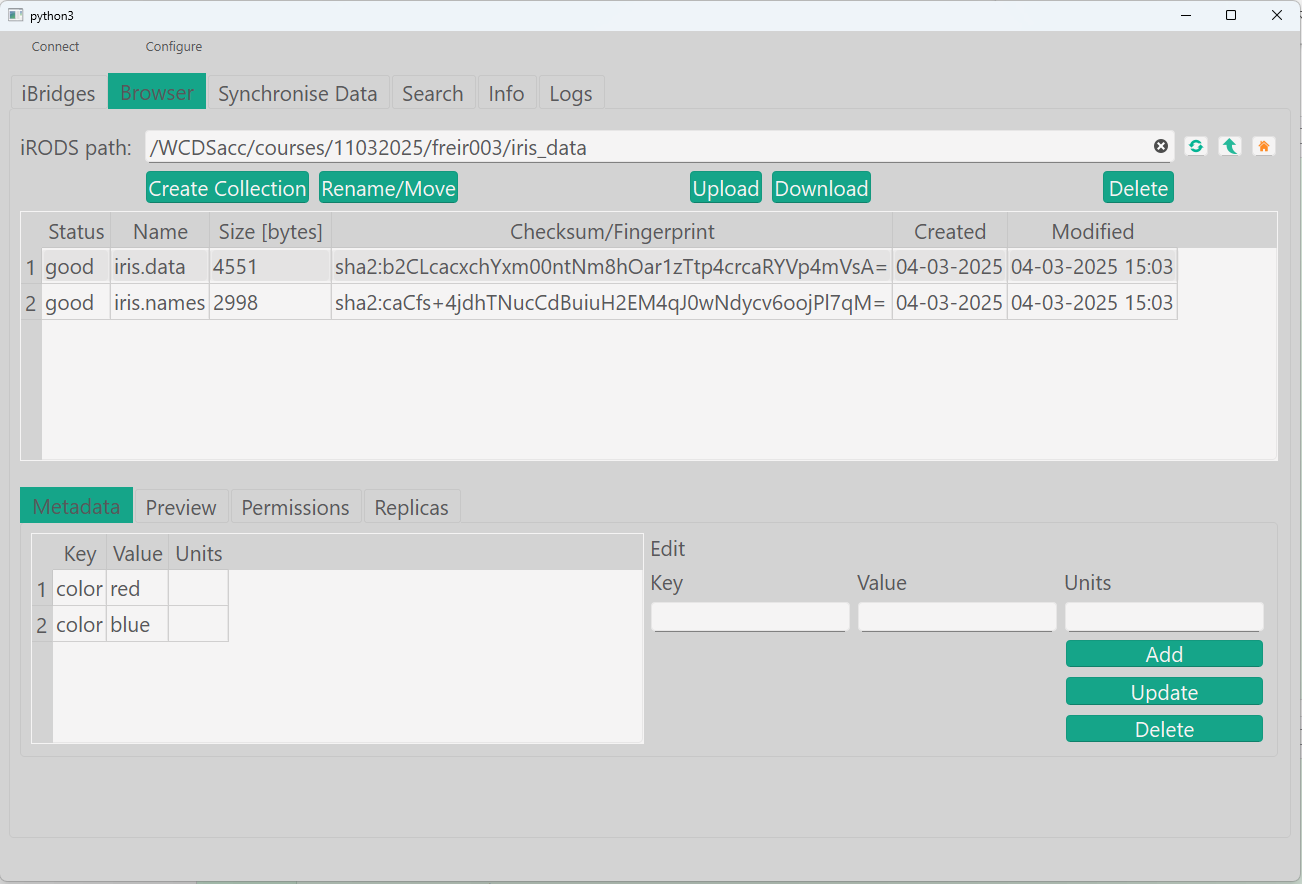
You can add multiple values on the same metadata name:
Metadata: duplicated metadata names
- Navigate to the file iris.data.
- Add the metadata: key: color. Value: blue
- Add the metadata: key: color. Value: red
Non-duplicated keys
Metadata: non-duplicated metadata names
Instead of metadata add you can also set metadata. With set you will overwrite the metadata you already have.
NB, if you have multiple values for the same name, all will be replaced by the single metadata you put in the command!
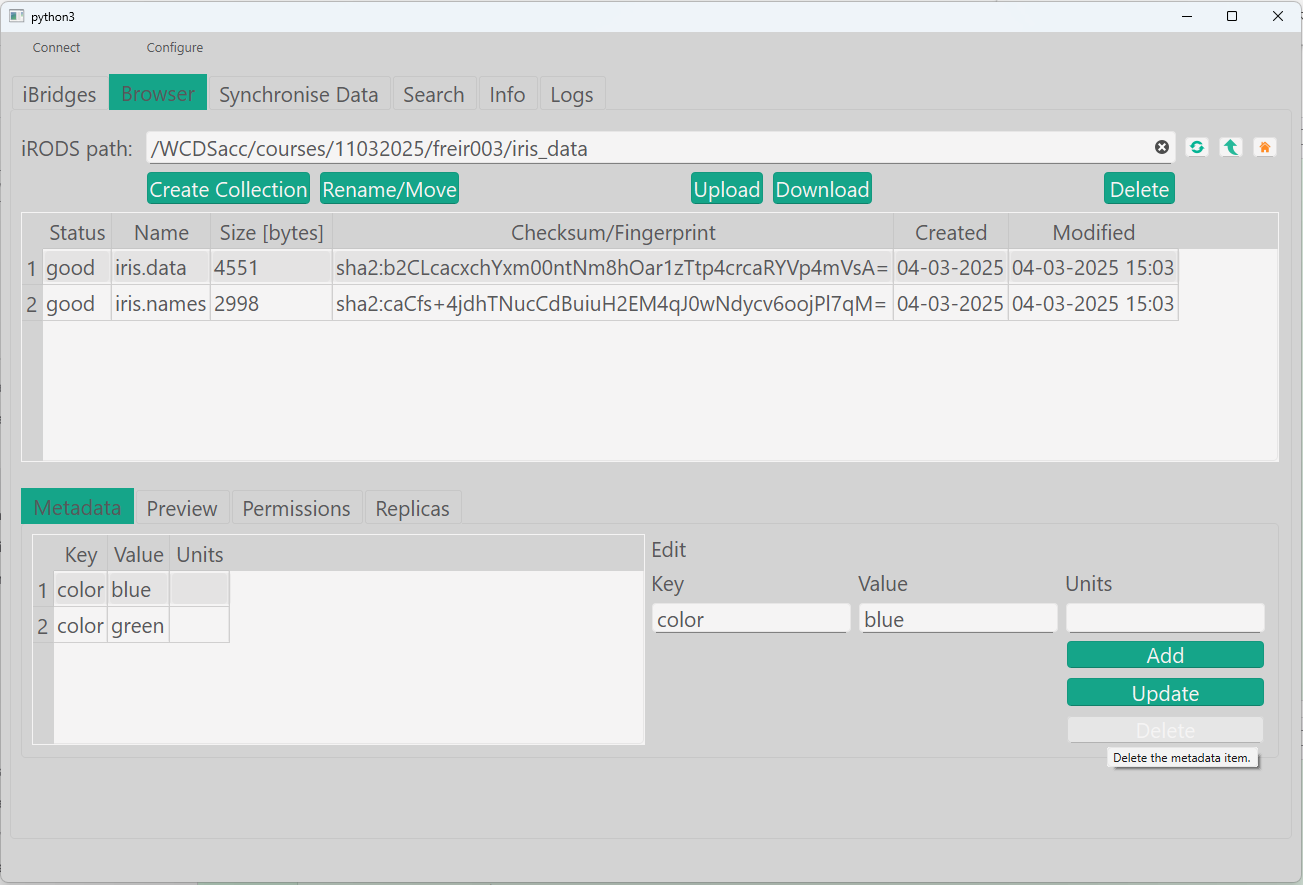
- Navigate to the file iris.data.
- Make sure that only one metadata with the name color exists. Use the delete button.
At this moment, it is not possible to overwrite previous metadata (set) in GoCMD. GoCMD users will have to use gocmd rmmeta path/to/dir_or_file <Key> <Value> [Unit] to remove specific previous metadata and then use gocmd addmeta path/to/dir_or_file <Key> <Value> [Unit] to inject the new metadata.